
Activate Your Trophy Link
This Trophy Link hasn’t been activated yet. Follow the steps below to connect it to your hunt.

Link ID:
How It Works
Trophy Link is a application that allows you to save your hunt story and connect it to a unique, physical QR code link that lives next to your trophy mount. Scan it and the memory opens.


Download App
Log The Hunt
Pair The Link
Share the Story
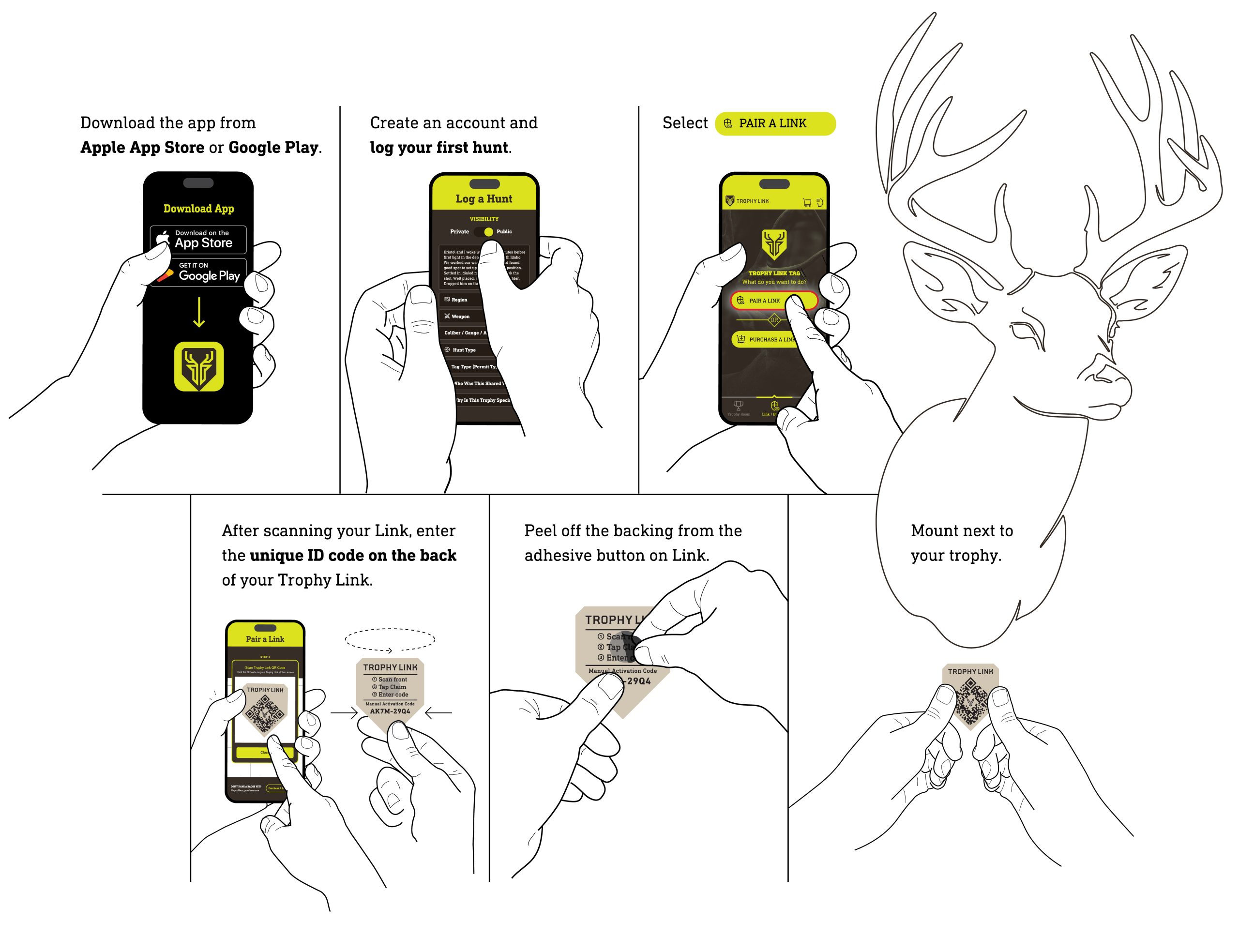
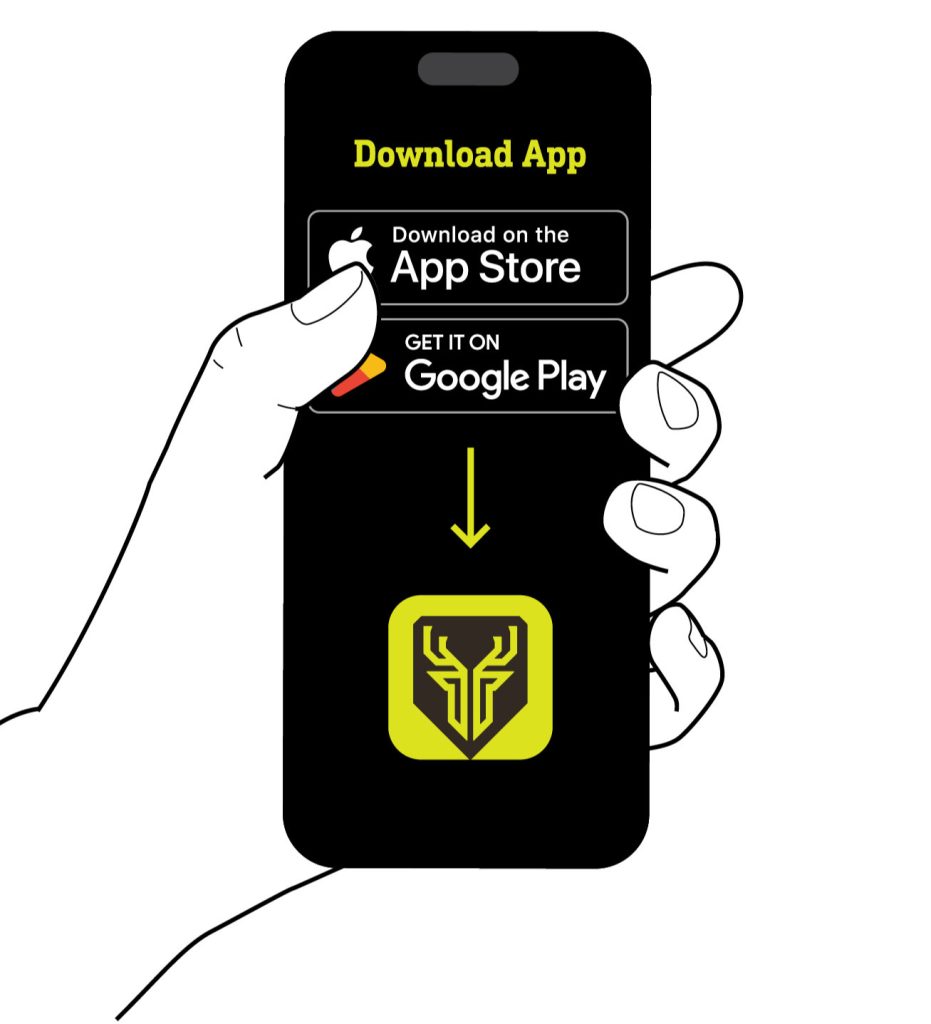
Download the app from Apple App Store or Google Play.
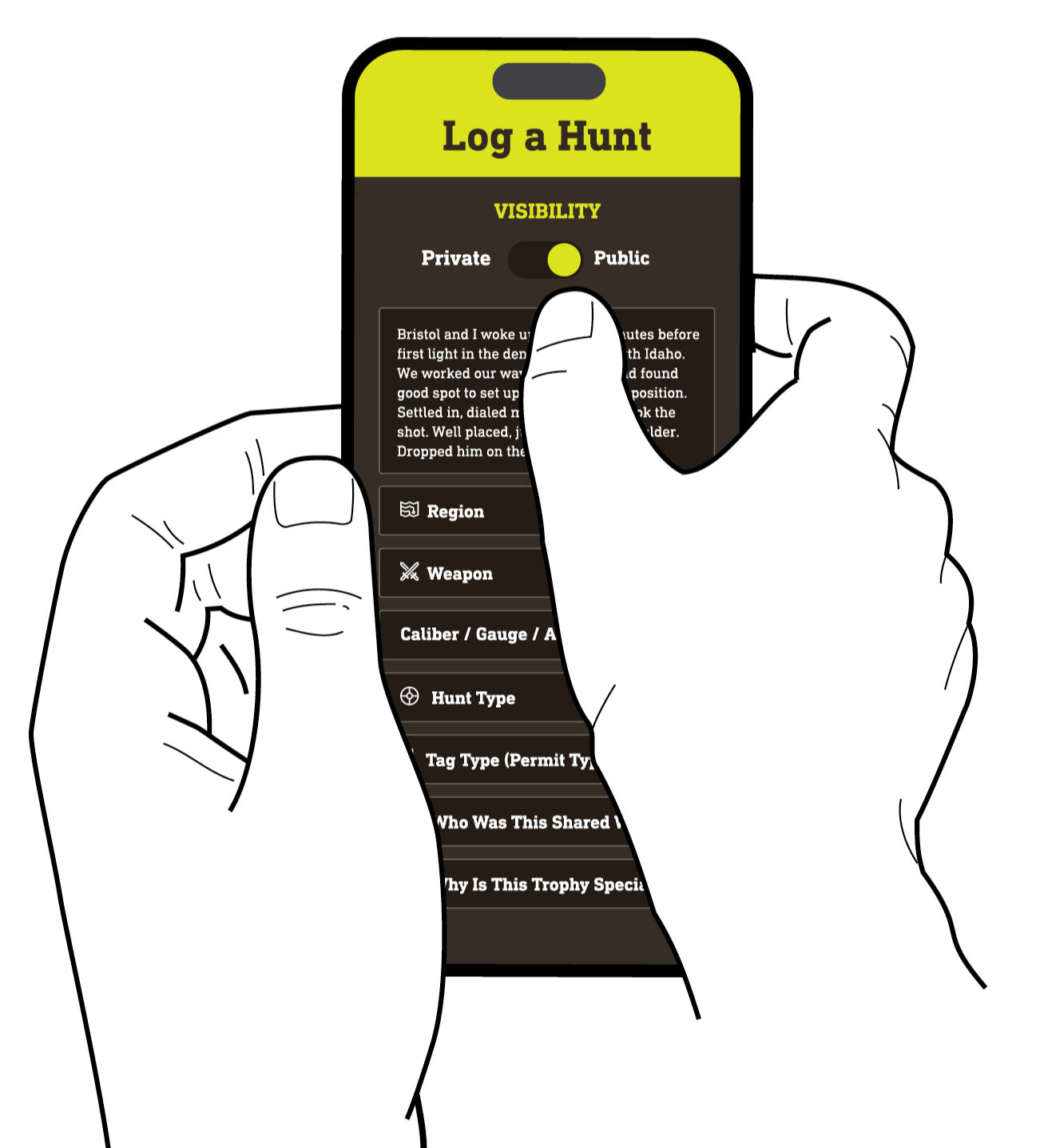
Create an account and log your first hunt.
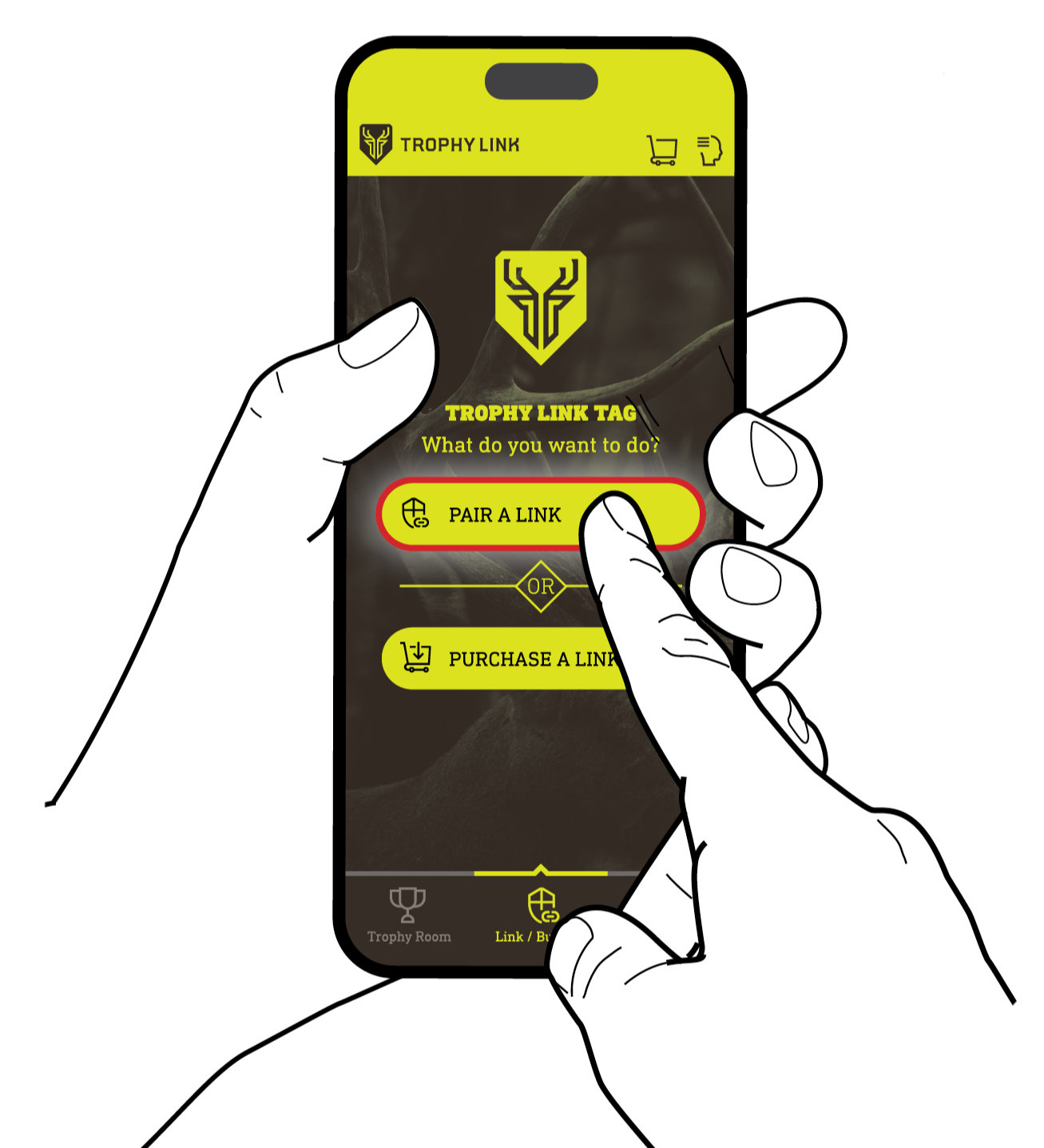
Select Pair a Link
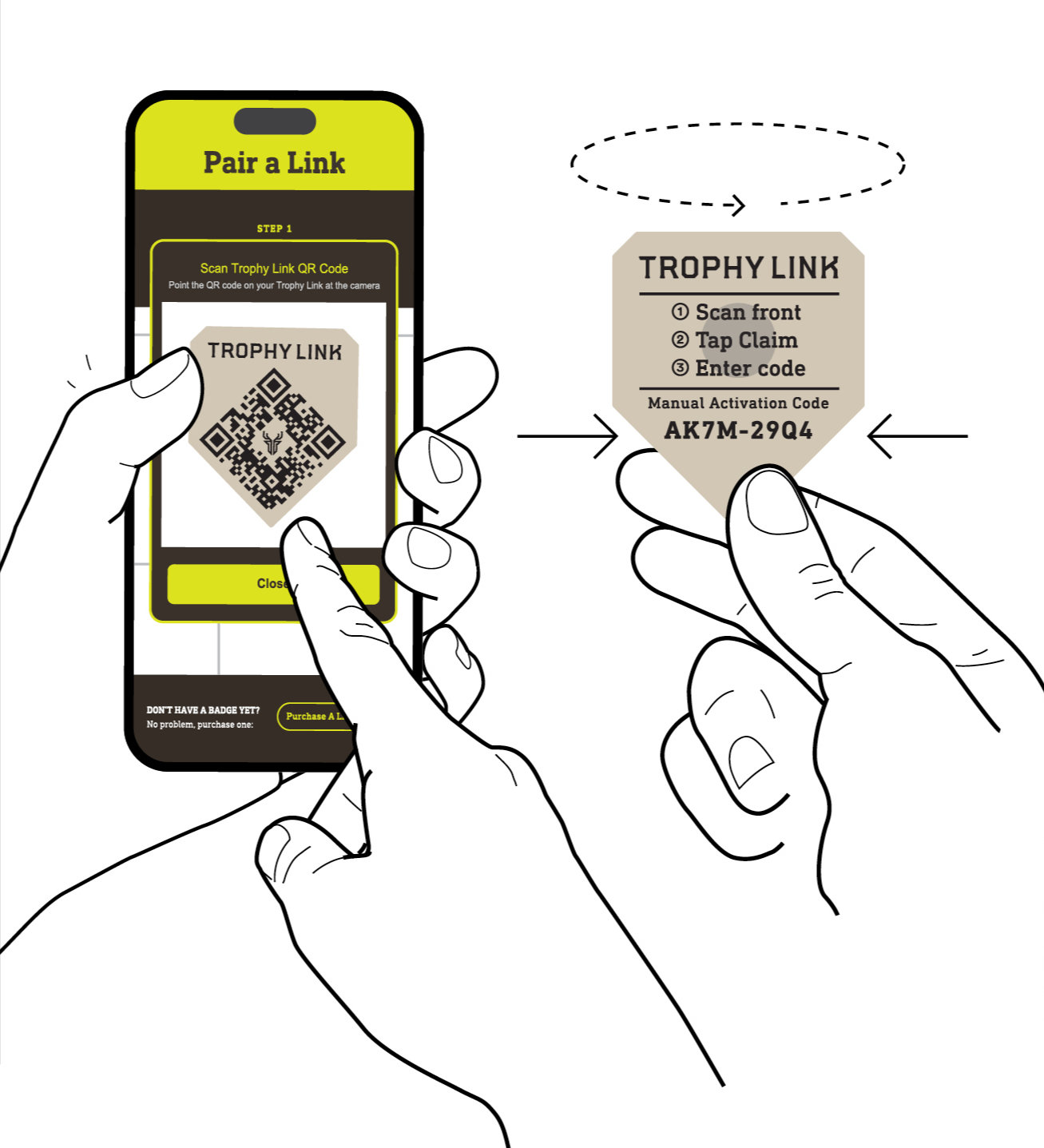
After scanning your link, enter the unique ID code on the back of your Trophy Link.
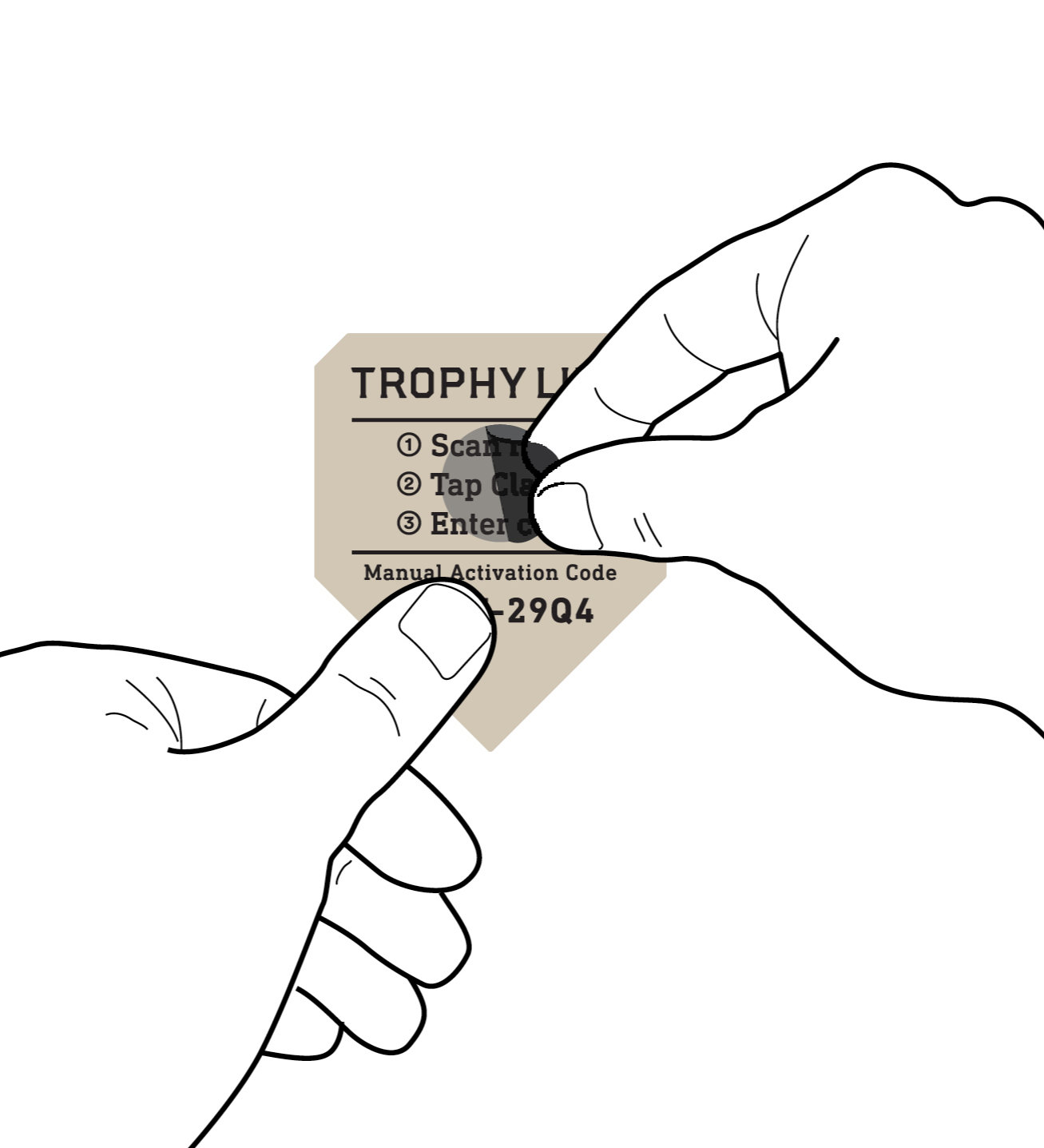
Peel off the backing from the adhesive button on Link.
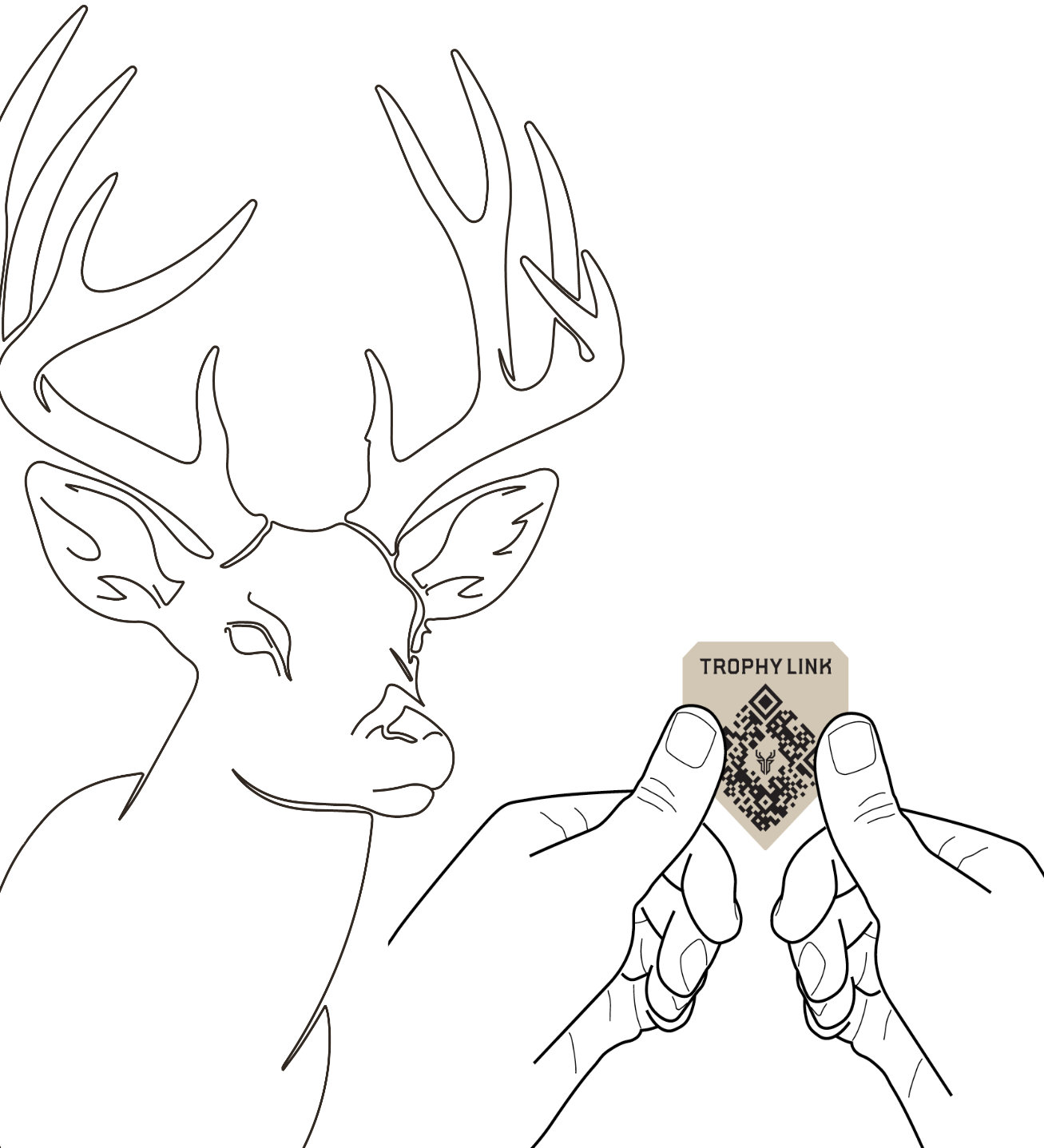
Mount next to your trophy.
Activating A Link Is Simple
Each link has a unique QR code. Once you purchase the link, you activate it by logging a hunt on your Trophy Link application, then pairing that hunt to that purchased link. 4 easy steps and your link is activated and assigned to the hunt of your choice.
Open Trophy Link Scanner

Scan Trophy Link

Enter unique Link ID

Link to Hunt

More Than a Trophy, It's a Legacy
More Than a Trophy,
It's a Legacy
We help hunters preserve and share the journey behind every trophy, turning the whole experience into a lasting record.